How to Make GPS JoyStick a System App
Follow this guide at your own risk. Only proceed if you understand the risks involved with rooting.
1. Root your phone
Section titled “1. Root your phone”Root your phone using Kingroot or another method from the Android Rooting Guide.
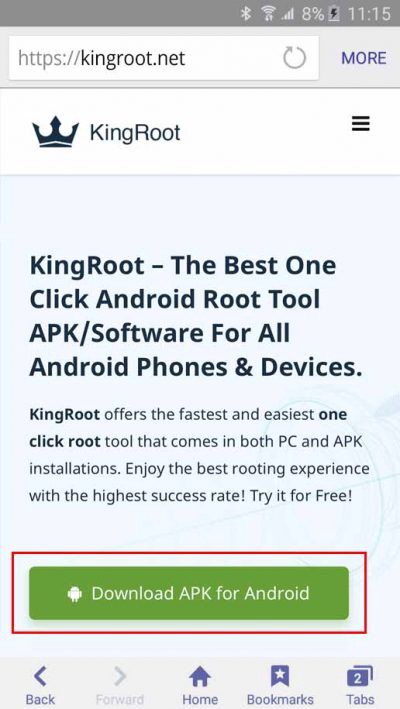
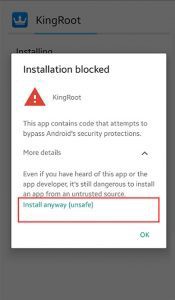
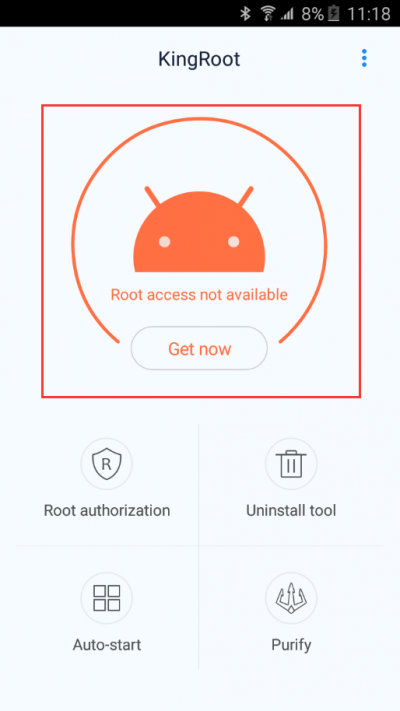
2. Install Link2SD and convert GPS JoyStick to a system app
Section titled “2. Install Link2SD and convert GPS JoyStick to a system app”Install Link2SD from Google Play, select GPS JoyStick, and tap Convert to system app.
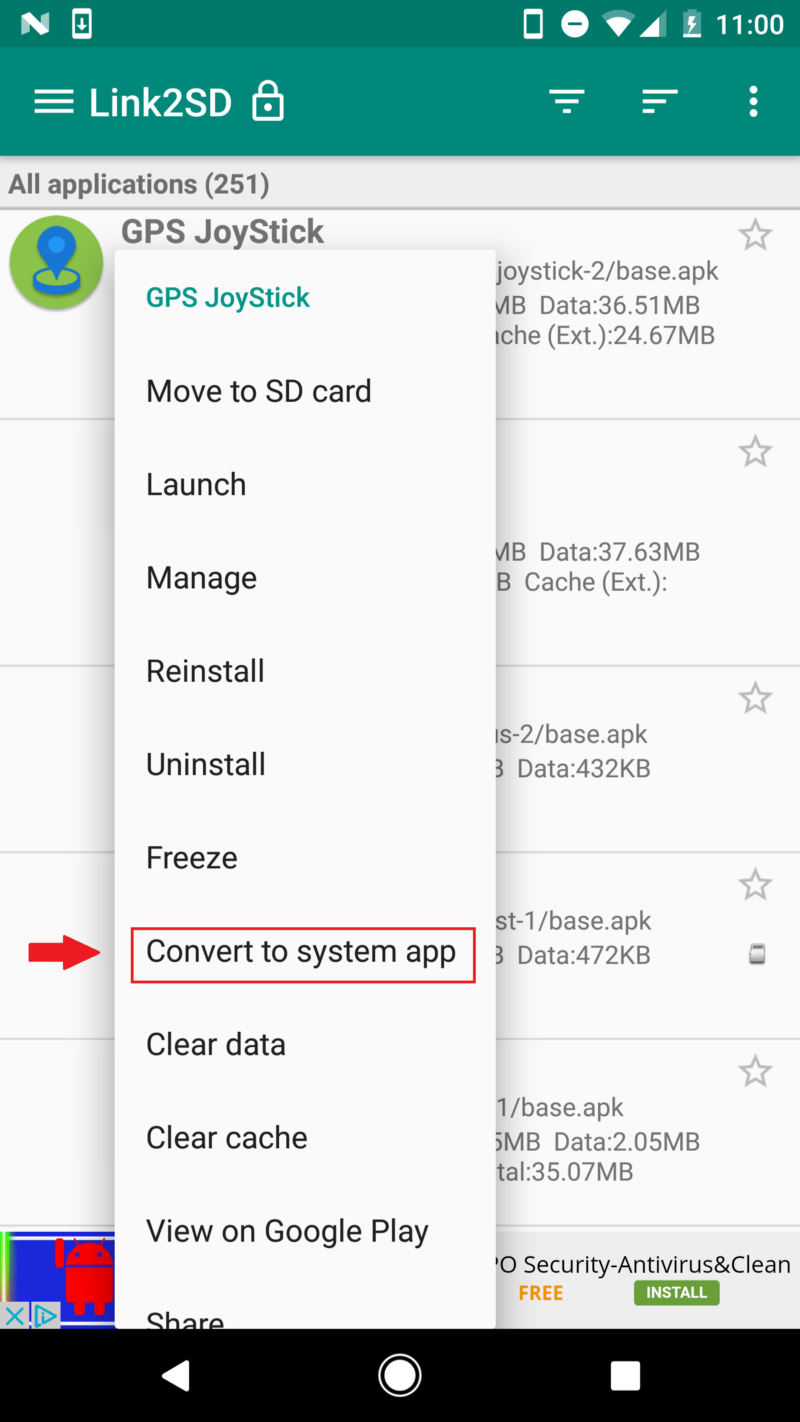
3. Un-root your phone
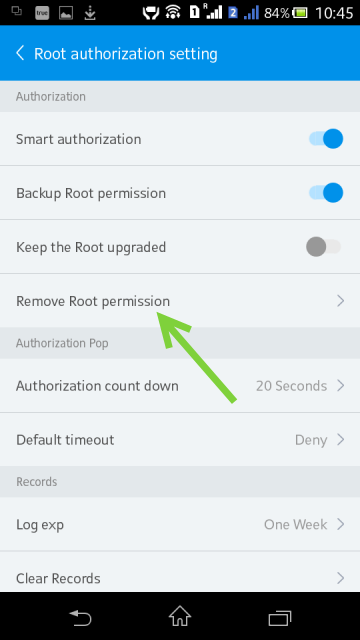
Section titled “3. Un-root your phone”Un-root your phone using Kingroot and select Remove Root Permission. This prevents the target app from detecting root access.
4. Configure GPS JoyStick settings
Section titled “4. Configure GPS JoyStick settings”Make sure the following settings are correct in GPS JoyStick:
- Enable System Mode is enabled in GPS JoyStick Settings.
- Enable Indirect Mocking is disabled in GPS JoyStick Settings.
- Mock Locations is disabled in Developer Options.
5. Done
Section titled “5. Done”GPS JoyStick is now running as a system app and mocks location through the system provider rather than the standard Mock Location API.
Troubleshooting
Section titled “Troubleshooting”If location mocking still isn't working after following these steps, see the Troubleshooting FAQ for solutions to common issues like rubberbanding and GPS signal errors.